Day 1: What Is Claude Code and How To Set It Up
Starting a new daily series: How To Use Claude Code — going from complete setup all the way to advanced multi-agent workflows.
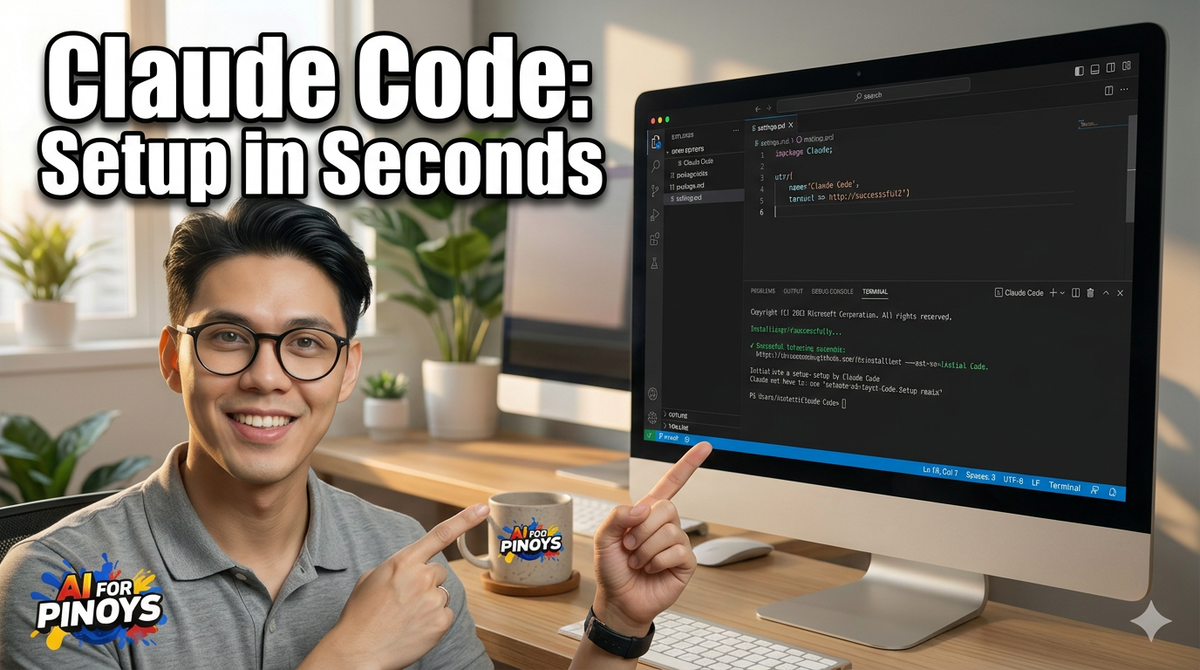
Hey, it's G.
Starting a new daily series: How To Use Claude Code — going from complete setup all the way to advanced multi-agent workflows.
Full transparency: I've already shipped 2 production apps (Resiboko and 1MinThumb) using Claude Code. But I never actually learned it properly. I just vibed my way through it.
So I'm going back to foundations, documenting everything I learn, and sharing it here daily.
Day 1 is about understanding what Claude Code actually is and getting it running on your Mac.
What Is Claude Code? (The Actual Difference)
Claude Code is Anthropic's AI coding agent that lives right inside your terminal.
Here's the critical difference:
Claude on claude.ai: You ask questions, it gives you code, you copy-paste into your editor, manually apply changes, hope it works.
Claude Code: You ask it to do something, it reads your files, writes the code, runs commands, and actually implements the changes. No copy-paste. It just does it.
The analogy that clicked for me:
Claude on the web is like calling a contractor to describe how to fix your sink over the phone.
Claude Code is letting the contractor into your house to actually fix it.
The Concept (What's Actually Happening)
Claude Code is a CLI tool. You install it once, open it inside any project folder, and it becomes an AI agent with full context of that project.
What it can do:
- Read your code and understand project structure
- Write files and edit existing ones
- Run terminal commands
- Chain multiple steps together automatically
- Work with your actual codebase, not just theoretical code
Where it runs:
Your terminal. I use it in VS Code's integrated terminal so I never have to leave my editor.
The key insight: It's not just a chat window. It's an agent that actually works with your project.
How To Set It Up (Step-by-Step)
Requirements
Node.js 18+ (check your version first)
node -v
If you don't have Node.js or it's outdated, install from nodejs.org
Step 1: Install Claude Code Globally
npm install -g @anthropic-ai/claude-code
This installs it once on your system. You don't need to reinstall for each project.
Step 2: Navigate Into Any Project Folder
cd your-project-folder
For example:
cd ~/projects/resiboko
Step 3: Start Claude Code
claude
Simple. Just type claude and hit enter.
Step 4: Authenticate (One-Time Setup)
When you first run it, a browser window will open asking you to log in with your Anthropic account.
Do this once and you're set. It saves your credentials locally.
Step 5: Give It a Test Task
Once authenticated, you'll see a prompt like:
✓ Logged in as [email protected]
> _
Try this first command to confirm it's working:
> Summarize what this project does based on the files you can see
Claude will read your actual files and respond with real context — not a generic answer.
Example Session (What This Looks Like)
# In your VS Code integrated terminal:
cd ~/projects/my-app
claude

# Claude Code starts up:
✓ Logged in as [email protected]
> _

# Your first prompt:
> What files are in this project and what does each one do?
Claude will respond with:
- List of actual files in your project
- What each file does based on reading the code
- Project structure overview
- Technologies detected
This is the moment you realize it's different. It's not guessing. It's reading your actual codebase.
Why This Actually Matters
Most developers use Claude like a smarter Google:
- Ask a question
- Get an answer
- Manually apply it to your code
- Debug when something breaks
- Ask follow-up question
- Repeat
Claude Code removes the manual part. It closes the loop between "AI knows what to do" and "AI actually does it."
The workflow becomes:
- Tell Claude what you want
- It does it
- You review and approve
That's it.
What I'm Building With This Series
The plan: 30 days of daily documentation. Each day focuses on one specific aspect of Claude Code.
Upcoming topics:
- Day 2: Basic prompting patterns that actually work
- Day 3: File operations (reading, writing, editing)
- Day 4: Running commands and automation
- Day 5: Project context and CLAUDE.md files
- Day 10: Building features end-to-end
- Day 15: Multi-agent workflows
- Day 20: Debugging and fixing production issues
- Day 30: Full production app build
Format:
- What I learned
- How to do it (step-by-step)
- Example (real code, real project)
- Why it matters
No fluff. No theory. Just practical, tested workflows.
My Raw Notes (Unfiltered)
Already built Resiboko and 1MinThumb with it. Want to learn it properly. Installed fine. Basically a terminal agent. Different from claude.ai because it touches your actual files. Runs in VS Code terminal which is where I live anyway.
Noticed: It reads files way faster than I expected. Context window seems huge. Asked it to summarize a 50-file project and it just did it. No "I can't see your files" nonsense.
Setup took 3 minutes. Authentication was smooth. No weird errors.
Testing with Filipino project context tomorrow. Want to see if it understands Taglish comments in code.
Following This Series
Daily updates: Every day for 30 days, I'm posting what I learned about Claude Code.
Who this is for:
- Filipino developers learning AI-assisted coding
- Entrepreneurs building with AI tools
- Anyone who wants to ship faster with Claude
Where to follow:
- Blog updates here
- YouTube videos showing screen recordings
- Dashboard with code examples
First real project test: Tomorrow I'm building a feature for AI For Pinoys dashboard using only Claude Code. Full documentation of what works and what breaks.
G
P.S. - If you're already using Claude Code, drop what you've built with it in the comments. I want to see what's actually possible vs. what's just hype.
P.P.S. - The install is genuinely that simple. If you have Node.js, you're 3 minutes away from having an AI agent in your terminal.
P.P.P.S. - Day 2 tomorrow: Basic prompting patterns that actually work. Not "write better prompts" generic advice. Actual patterns I've tested with real projects.