I Turned Obsidian Into an AI Image Studio
Stop the Alt-Tab loop. Learn how to generate high-authority blog headers and carousels directly inside Obsidian using Gemini 3.1 and GPT Image 2.
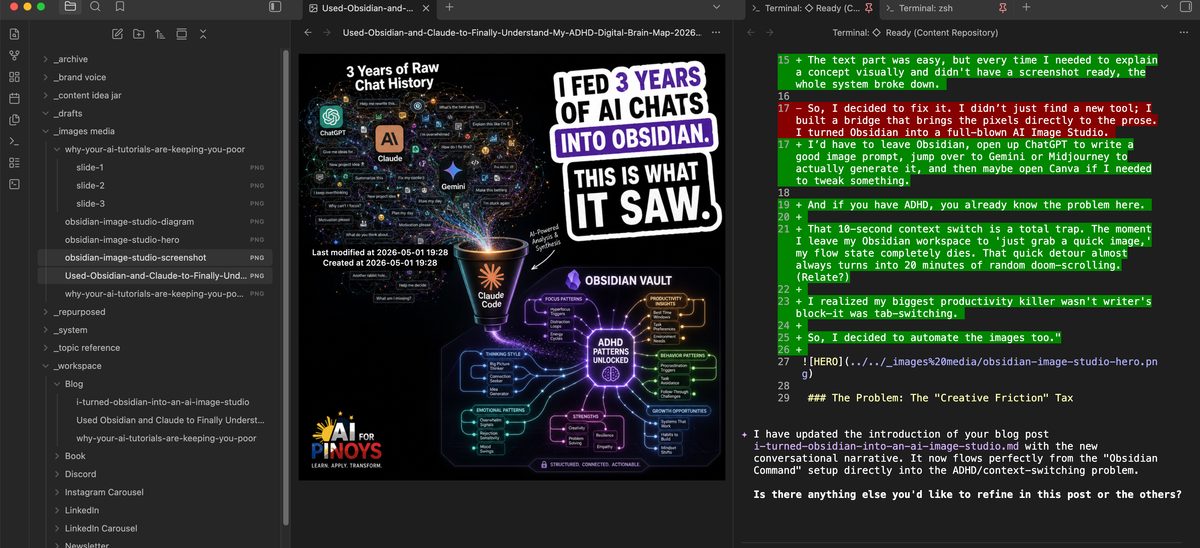
Hi, it's G again.
I have a confession: I spend more time in Obsidian using terminal.
But there was one massive bottleneck: Images.
The challenge is can you actually create images using Obsidian + CLI? And after experimenting on it... YES YOU CAN.
So, I built this automated Content Vault in Obsidian that basically runs on /commands.
Here’s the workflow: I just dump all my messy, raw ideas into an 📥 Intake folder. Then, I type /draft. My AI agent wakes up, reads my agent.md file, checks my brand voice rules, and spits out a perfectly written draft for me to review. It’s honestly magic.
The text part was easy, but every time I needed to explain a concept visually and didn't have a screenshot ready, the whole system broke down.
I’d have to leave Obsidian, open up Claude to write a good image prompt, jump over to Gemini to actually generate it, and then maybe open Canva if I needed to tweak something.
And if you have ADHD, you already know the problem here.
That 10-second context switch is a total trap. The moment I leave my Obsidian workspace to 'just grab a quick image,' my flow state completely dies. That quick detour almost always turns into 20 minutes of random doom-scrolling. (LOL!)
I realized my biggest productivity killer wasn't writer's block and it was tab-switching.
So, I decided to automate the images too.If you’re building AI agentic solutions, your biggest enemy isn't the code, it’s the friction of switching workspaces.
So, I decided to fix it. I didn’t just find a new tool; I built a bridge that brings the pixels directly to the prose. I turned Obsidian into a full-blown AI Image Studio.
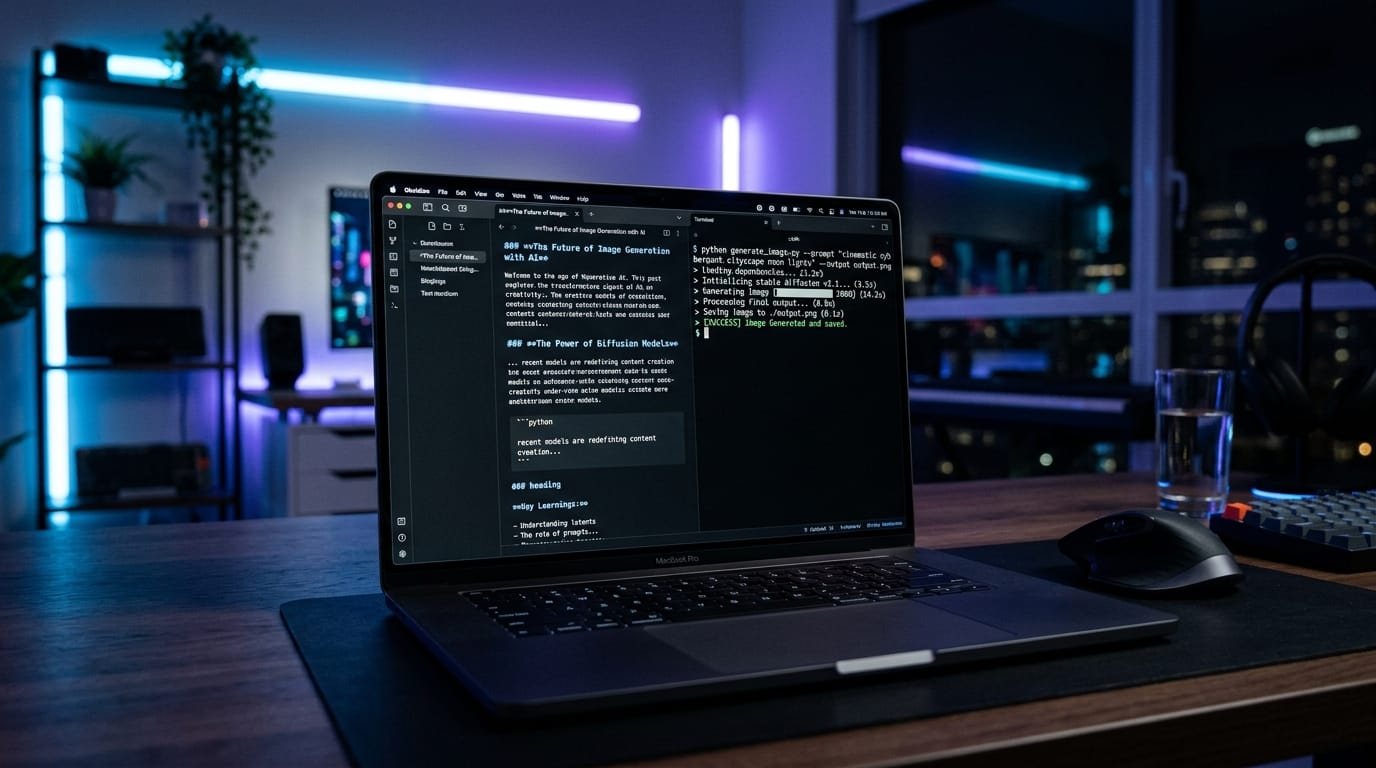
The Problem: The "Creative Friction" Tax
Most creators waste hours in the "Alt-Tab" loop. You write the post, then you have to "go find" the visual.
- Open a browser tab for Canva or Midjourney.
- Get distracted by a notification or the search bar.
- Download the file.
- Rename it (because "Untitled_Design_123.png" is useless for SEO).
- Drag it into your folder.
By the time you're done, you’ve forgotten the next sentence you were going to write.
The Unique Solution: The Terminal-First Studio
I built a system where the AI reads the post I just wrote, extracts the "Viral Hook," and generates the image without me ever touching a mouse.
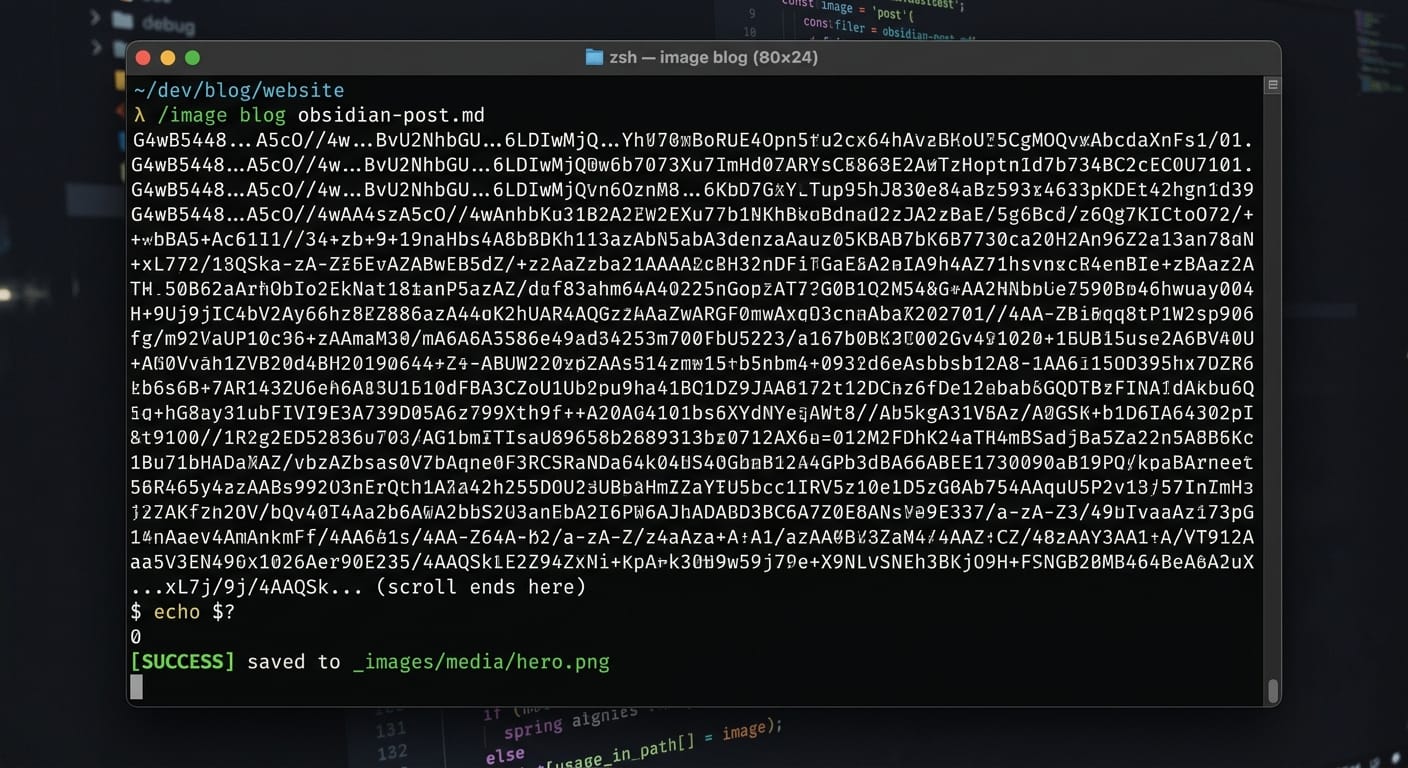
The secret sauce? A custom Python bridge that uses Gemini 3.1 Flash for realism and GPT Image 2 for text-heavy designs.
The "Base64" Breakthrough
The hardest part of building this was the "data handoff." Usually, APIs give you a URL link to an image. But links expire.
We built a handler that catches the Base64 raw data directly from the API and reconstructs the image on the fly.
Why this matters for you:
It means the images are saved locally to my _images media/ folder instantly. No downloading. No renaming. No "Alt-Tab."
How the Workflow Actually Feels
Now, my content machine looks like this:
/blog: I dump my raw thoughts into an Intake file, and the agent drafts the post./repurpose: The agent turns that blog into 13 social media variants (LinkedIn, TikTok, etc.)./image: I run one command, and the agent suggests 3 visual concepts based on the text. I pick one, and the.pngappears in my vault.
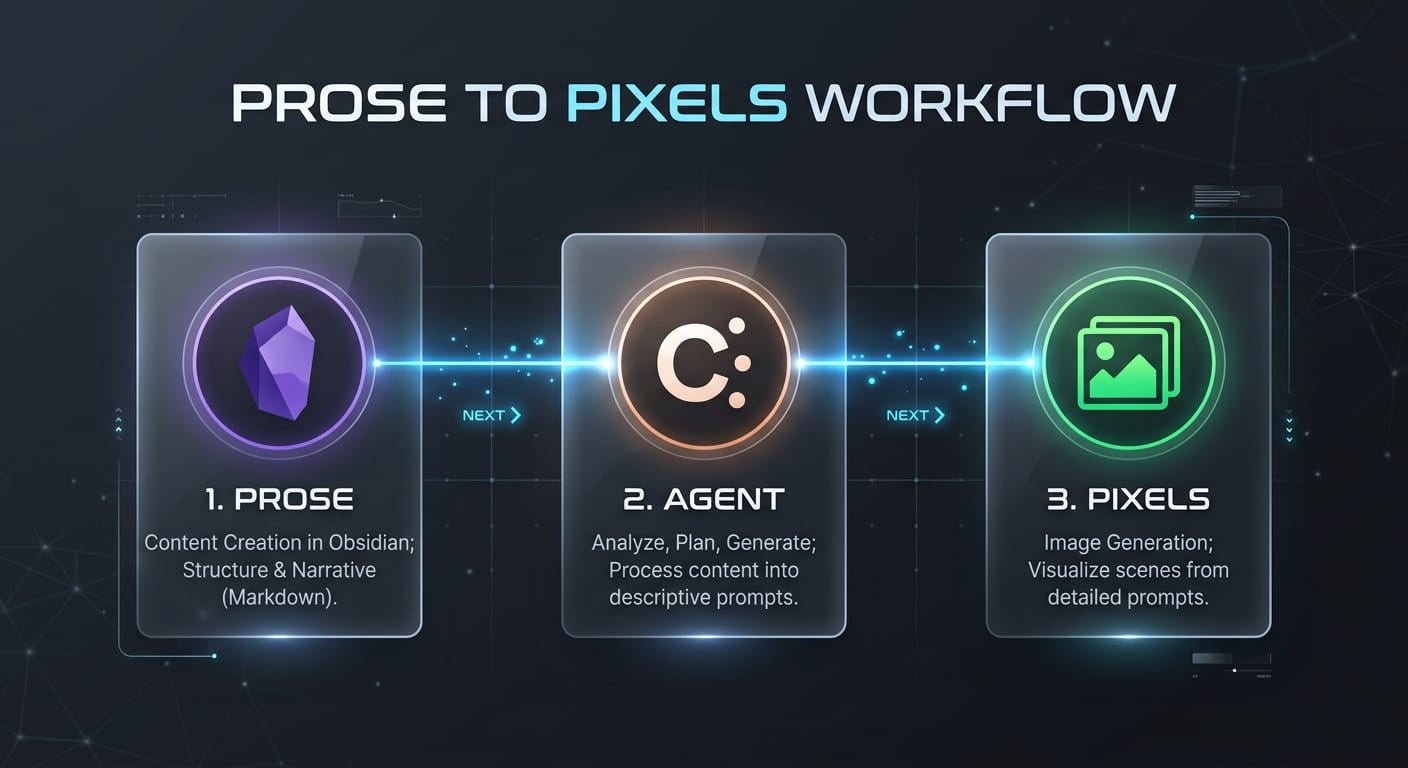
Why this is a "Strategic" Win
If you want to be an authority in the AI space, you have to stop being a "tool user" and start being a "system architect."
Most people are waiting for a company to build the "perfect app." We didn't wait. We used the Gemini CLI to build our own. That is the essence of AI Agentic Solutions.
Don’t leave the flow to find the image. Let the image find the flow.
Kaya mo 'to.
G